You have 0 items in your cart

Good CRM report design starts with a question, not a chart. Decide who will read the report, what single decision it should help them make, and what they should do when the number turns red. Only then do you pick fields, filters and layout. Do it in that order and your reports get used. Do it backwards and you get a very pretty screen that nobody opens.
TL;DR
- Design each report for one reader and one question, not for “everyone”.
- Start with a small core set: pipeline, forecast, conversion, activity, win-loss and team performance.
- Lay dashboards out as an inverted pyramid: headline numbers on top, drivers in the middle, exception lists at the bottom.
- Give every metric an owner, a review rhythm and a follow-up action.
- In Act!, the Report Designer lets you adapt templates to your own fields and filters, and a consultant can tailor them to your terminology.
Table of Contents
- Start with the Question, Not the Chart
- The Core Reports Worth Building First
- The Inverted Pyramid Layout
- Fat-Fingered Fixes: Keep the Data Clean
- No Chocolate Teapots: Owners, Cadence, Action
- Designing Reports in Act!
- Our Perspective: Reports Should Change Monday Morning
- Reporting on Consent Without the Clutter
- Getting Reports Out of the CRM
- Let Us Design Them With You
- FAQ
- Sources
Start with the Question, Not the Chart
Most reports fail before anyone draws a bar. Someone says “let’s have a dashboard”, every field in the database gets tossed in, and the result is a Swiss Army knife with 40 blades and no handle.
The Cloudswitched guide to sales dashboards calls the most common mistake in dashboard design including too many metrics, and says a cluttered dashboard is no better than raw data. We see the same thing in Irish SMEs: the report was built for “the business”, so it serves nobody in particular.
Try this instead. Write one sentence per reader:
- Managing director: are we on plan, and what are the biggest risks over the next quarter?
- Sales manager: which deals have stalled and need a push today?
- Marketing lead: which campaigns produce enquiries that turn into customers?
- Account manager: which customers have gone quiet?
If you can’t finish the sentence, you’re not ready to design the report.
The Core Reports Worth Building First
A CRM can produce hundreds of reports. Softabase’s research across 200+ CRM implementations points to seven that drive behaviour change, with the rest often optional and rarely used:
| Report | The question it answers | Typical reader |
|---|---|---|
| Pipeline health | Is there enough in the funnel, and is it moving? | Sales manager |
| Sales forecast | What will we close this quarter? | Director |
| Lead-to-customer conversion | Where do prospects drop out? | Sales and marketing |
| Sales activity | Are calls, emails and meetings happening? | Sales manager |
| Win-loss analysis | Why do we win or lose? | Whole team |
| Revenue attribution | Which sources pay off? | Marketing |
| Team performance scorecard | Who needs coaching, and on what? | Manager |
Start with three. Add more only when someone asks a question the current set can’t answer. If you want a plain-English primer on the format, our posts on what a CRM reporting dashboard is and what a CRM performance report is for managers cover the basics.
The Inverted Pyramid Layout
Borrow a trick from newspapers. The research behind Softabase’s guide recommends an inverted pyramid dashboard:
- Top: four to six headline numbers that answer “are we on track?” in about three seconds.
- Middle: the drivers behind those numbers, such as stage conversion, activity volumes and deal ageing.
- Bottom: exception lists, such as deals at risk or contacts with no follow-up booked.
The same guide suggests colour-coding judgment metrics. Its example is pipeline coverage: green above 3.5x, yellow from 2.5x to 3.5x, red below 2.5x. Treat those thresholds as a starting point and calibrate them against your own sales cycle, because a firm selling five-figure projects behaves differently from one selling subscriptions.
Judgment-ready beats explanation-requiring
A chart should show the exception, not make the reader hunt for it. The CRM Standard handbook describes this as building metrics that are judgment-ready rather than explanation-requiring. If your manager squints at a red tile and asks “so what?”, redesign the tile.
Fat-Fingered Fixes: Keep the Data Clean
No layout survives bad data. If half your contacts have “Dublin”, “dublin” and “D’blin” in the city field, your regional report is a coin toss. Before designing, tidy the inputs:
- Use drop-down lists for stage, source and lost reason instead of free text.
- Make the fields your reports depend on mandatory at the right moment, such as a close date when a deal reaches proposal stage.
- Agree one definition for each term. What counts as a “qualified lead”? Write it down.
This is also where tailoring pays off. We adjust the CRM to your workflows, terminology and permissions, so the fields in your reports use the words your team already says.
No Chocolate Teapots: Owners, Cadence, Action
Here’s the part most guides skip. The CRM Standard handbook says a dashboard without a named owner, a review cadence and a defined follow-up action is a chocolate teapot: impressive to look at, useless when things get hot. It also says the best reports flag problems 60 to 90 days before they hit cash flow.
For every tile, write three lines in a simple table:
| Metric | Owner | Cadence | If it worsens |
|---|---|---|---|
| Deals stalled over 30 days | Sales manager | Monday meeting | Call each client that week |
| Coverage ratio | Director | Monthly | Pause discounting, add prospecting hours |
| Overdue follow-ups | Each rep | Daily | Clear before end of day |
Keep a record of who reviewed what and what was decided. That audit trail helps coaching, and the principle behind document approval controls that auditors can trace applies equally to sales reviews: if a decision can’t be traced, it’s hard to learn from.
Designing Reports in Act!
Act! ships with standard reports, and its Report Designer lets you adapt them. Act!’s own report template tutorial shows how to modify an existing template by changing the sorting, adding headers and filtering for specific contact data.
A practical setup sequence:
- Pick the reader and question from your one-sentence list.
- Create or confirm the custom fields you need, and the drop-down values behind them.
- Copy the closest standard report rather than starting from a blank page.
- Filter to the group the reader cares about, such as one sales rep or one product line.
- Sort so the most urgent items land first.
- Run it on real data, show it to the intended reader, and trim whatever they ignore.
- Save it, schedule the review, and name the owner.
If your reporting needs more than the standard fields, Custom Tables at 9 € per month per user let you store structured data such as projects, grants or assets and report on it alongside your contacts. Check the Act! plan pricing to see which tier suits your team.

Our Perspective: Reports Should Change Monday Morning
We have been building customised CRMs for Irish small and medium-sized businesses since 2014, and we’re a certified Act! consultancy. The pattern repeats. A business buys a CRM, imports the spreadsheet, and asks for “some reports”. Six months later the reports are ignored, because nobody decided what they were for.
We don’t see ourselves as software sellers. We start with how your business actually works: who chases which lead, how you describe a won job, who is allowed to see margins. Then we shape the fields, permissions and reports around that. A report that uses your own words and lands in front of the right person at the right time is a very different animal from a generic template.
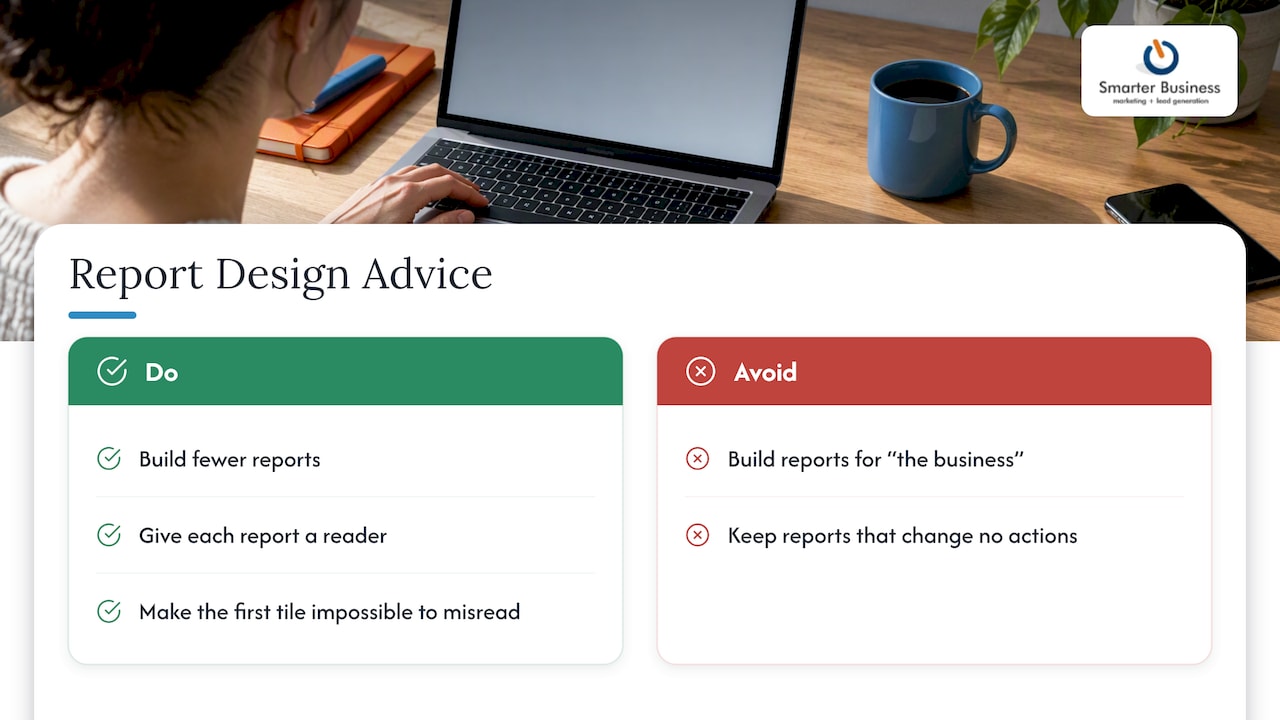
Our advice is simple. Build fewer reports. Give each one a reader. Make the first tile impossible to misread. And if the report never changes what anybody does on Monday morning, delete it.
— Patrick Lennon
Reporting on Consent Without the Clutter
If you report on marketing contacts, consent belongs in the design. The Data Protection Commission explains that accountability under the GDPR means putting appropriate measures in place and being able to demonstrate what you did and how well it works. A simple consent view in your CRM, showing who opted in, when, and through which form, helps you do exactly that.
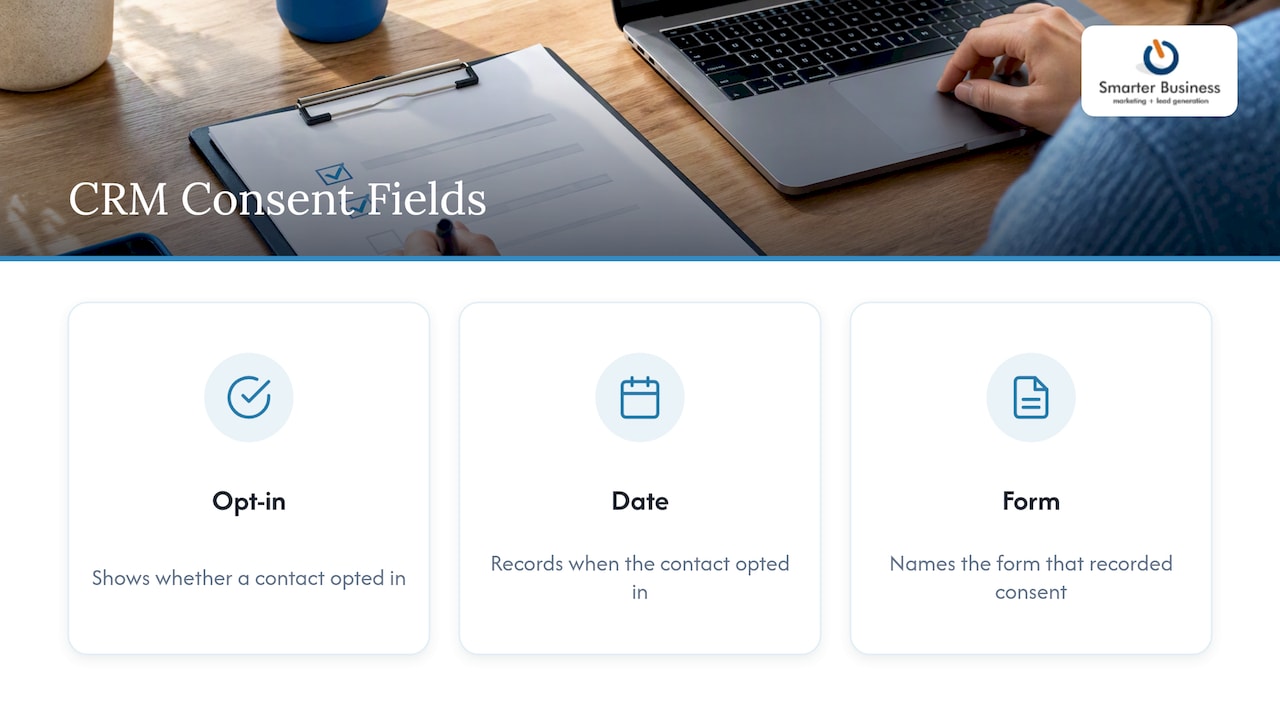
Keep it tidy: a filtered list of contacts without recorded consent is more useful than a wall of privacy columns. Our guide to consent management in a CRM sets out four controls Irish SMEs need, and our onboarding plan builds GDPR checks in from the start.
Getting Reports Out of the CRM
Sometimes a report has to leave the building for a board pack or a funder. We cover that in how to export CRM data as business reports. Design the on-screen version first, then export, so the numbers always trace back to one source.
Let Us Design Them With You
We offer CRM customisation, reports, insights and dashboards, and training so your team can maintain them. Prices for consulting aren’t published, so get in touch via our website and tell us which three questions you want answered. Act! licences start with the plans on our pricing pages, such as Act! Advantage Standard at 30 € per month per user.
FAQ
How many reports does a small business need?
Fewer than you think. Start with three that match your biggest questions, usually pipeline, conversion and team activity. Add others only when a reader asks something the current set can’t answer.
What should a CRM dashboard show first?
Put four to six headline numbers at the top, so a reader can tell within seconds whether the business is on track. Supporting drivers go below, and exception lists such as deals at risk go at the bottom.
Can I customise reports in Act!?
Yes. Act! includes a Report Designer where you can modify an existing template, change sorting, add headers and filter contact data. If you want reports built around your own fields and terminology, we can set that up for you.
Why do teams ignore their CRM reports?
Usually because no one owns the report, nobody reviews it on a set rhythm, and there is no agreed action when a number worsens. Fix those three things before changing the layout.
Sources
- CRM Reporting: Build Dashboards That Actually Drive Revenue, Softabase
- How to Build a Sales Reporting Dashboard, Cloudswitched
- Metrics and Dashboards, CRM Standard handbook
- Creating Report Templates, Act!
- Accountability obligation, Data Protection Commission