You have 0 items in your cart

If consent is your lawful basis for contacting someone, your CRM needs to do more than store an email address. It must record who gave consent, for what purpose, through which method, when, and from what source, and it must let that person withdraw just as easily as they opted in. Anything less leaves you exposed the moment a regulator or an annoyed customer asks a question.
TL;DR:
- Use separate, unticked choices for each marketing purpose; consent must be freely given, specific, informed, and unambiguous, with explicit consent for sensitive processing.
- Keep promotional content out of order confirmations and receipts, because Irish guidance can classify a message containing marketing as direct marketing.
- Store the exact consent wording, timestamp, collection method, source, and withdrawal history so staff can prove what each contact agreed to.
- Automate suppression across relevant campaigns; email confirmation can show address control, but it does not prove understanding or prevent accidental sends.
Table of Contents
- What valid consent requires under GDPR and the Irish DPC’s rules for marketing
- Core CRM features that make consent management actually work
- Practical steps to implement consent workflows in your CRM
- Audit trails, demonstrable proof and the mistakes that trip people up
- Our approach: consent management inside Act! CRM for SMEs
- What the industry gets wrong about consent management
- How we can help you put this into practice
- FAQ
- Sources
What valid consent requires under GDPR and the Irish DPC’s rules for marketing
Consent is not a tick-box afterthought. To be valid under the GDPR, it has to be freely given, specific, informed and unambiguous, with explicit consent needed for anything sensitive. Bundle multiple marketing purposes into one fuzzy checkbox and you risk failing to collect valid consent.
Withdrawal matters just as much as collection. Under the same EDPB guidance, people must be able to pull their consent back as easily as they gave it, which rules out “email our support inbox to unsubscribe” as an acceptable process.
The Irish Data Protection Commission adds a layer that catches many CRM users out: a message labelled as purely informational, such as an order confirmation or e-receipt, must not contain marketing content. Slip a promotional banner into a transactional email and the DPC can reclassify the whole message as direct marketing, triggering consent requirements you were not prepared for.
A few things your CRM needs to support because of this:
- Separate, specific opt-in options for each distinct marketing purpose, never one blanket box.
- A withdrawal path that is as quick and visible as the original sign-up.
- A clear technical separation between transactional and marketing content, even when both go to the same contact.
Core CRM features that make consent management actually work
Legal requirements are only useful once they are built into the system your team uses every day. A CRM that handles consent properly needs a specific set of features, not just a “marketing consent: yes/no” checkbox bolted onto a contact record.
- Purpose-specific opt-in fields: separate flags for newsletters, product updates, event invitations and third-party sharing, so one broad “yes” never gets treated as consent for everything.
- Audit-ready metadata: each consent record stores the timestamp, the collection method, the source (web form, phone call, event sign-up sheet), and ideally the exact wording the person agreed to.
- Automated suppression lists: opted-out contacts are excluded from every relevant segment and campaign automatically, rather than relying on someone remembering to filter them out manually.
- Role-based permissions: access to consent records and the ability to edit them is limited to the people who actually need it, preventing accidental or unauthorised changes.
This is where a generic CRM install tends to fall short. Most out-of-the-box systems can store a consent field, but few are configured to enforce suppression automatically or to version-control the exact consent wording a contact agreed to. Our Act! email marketing and automation setup supports your email marketing needs.
Practical steps to implement consent workflows in your CRM
Getting this right is less about software and more about sequencing. Here is the order that tends to work:
- Map every collection point (website forms, point-of-sale, phone enquiries, events) to a specific processing purpose, and resist the temptation to bundle purposes together.
- Choose a confirmation mechanism, such as double opt-in for email marketing, and store proof of that confirmation alongside the contact record.
- Automate suppression and segmentation so exclusions are enforced at the moment a campaign goes out, not corrected afterwards.
- Set a retention and refresh cadence, reviewing consent records periodically and building a check into new-contact onboarding so nothing slips through untracked.
Pro Tip: Build your consent review into the same onboarding checklist you use for new CRM users, not as a separate compliance exercise nobody remembers to run.
Our CRM onboarding plan folds GDPR checks into the early setup stages, which is a far easier habit to maintain than retrofitting compliance onto a system that has been running unchecked for some time.
Audit trails, demonstrable proof and the mistakes that trip people up
Regulators do not take your word for it. The EDPB’s Guidelines 05/2020 make clear that controllers must retain demonstrable proof: a stored copy of the consent wording, the timestamp, the source, the method, and a record of how any withdrawal was handled. If a data subject request lands on your desk asking what marketing consent you hold for them, you need to answer from the record, not from memory.
Enforcing suppression automatically rather than relying on manual list-filtering is the single practice that separates compliant CRM setups from risky ones, according to practitioner guidance on CRM and GDPR compliance.
Common pitfalls worth checking for right now:
- Relying on a manually maintained suppression spreadsheet instead of system-enforced exclusion.
- Sending promotional content inside a transactional or informational message.
- Using pre-ticked boxes, which do not count as valid consent under ePrivacy rules.
- Bundling multiple purposes into a single consent request instead of offering granular choices.
Our approach: consent management inside Act! CRM for SMEs
We do not treat consent fields as a default checkbox left over from a template install. We tailor every Act! configuration we build to how each client’s marketing actually works. We also build consent checks into the training sessions we run with new users, so the controls are easier to use correctly instead of becoming a setting nobody understands. That combination of consultancy, custom configuration and hands-on training can help your team put compliance requirements into practice.
What the industry gets wrong about consent management
Most advice on this topic treats consent as a legal checkbox exercise: get the wording right, tick the box, move on. That misses the operational reality. The businesses that struggle are not the ones with bad legal text, they are the ones where a sales rep can override a suppression flag by accident, or where “informational” emails quietly carry a promotional banner because nobody separated the two systems.
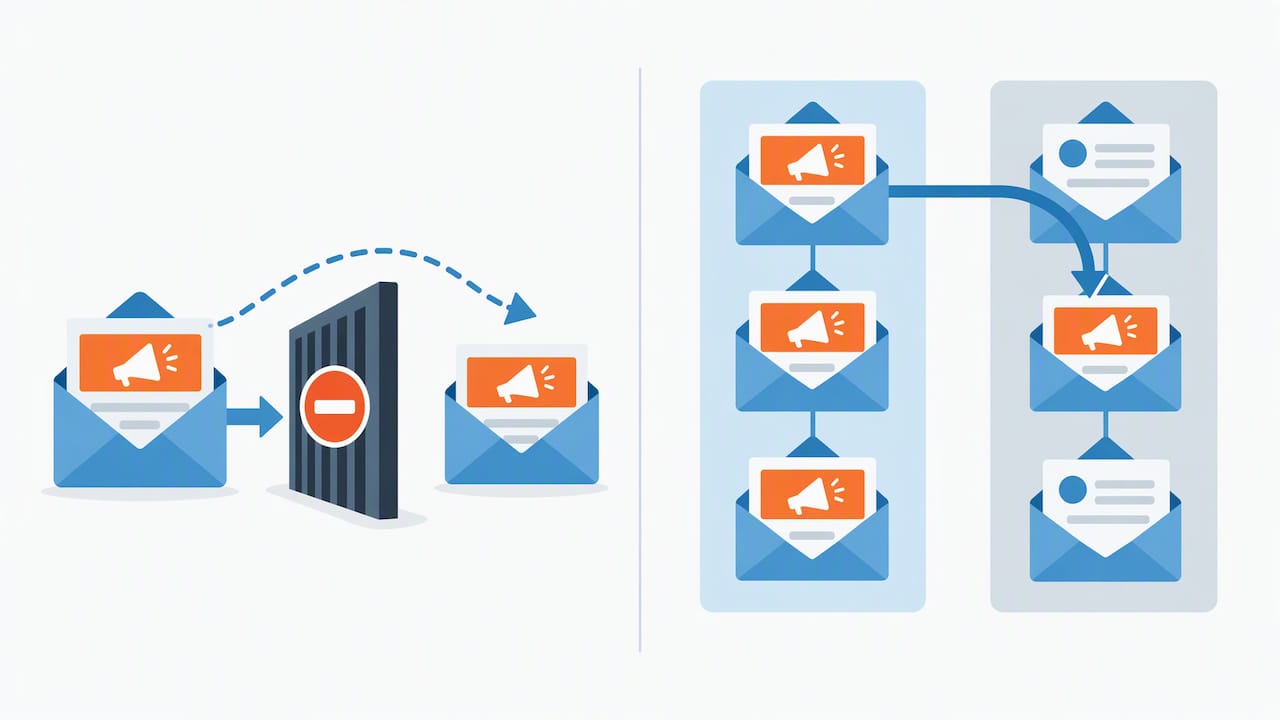
The conventional advice also overstates what double opt-in alone achieves. It can help confirm that someone controls an email address, but it does not by itself establish that they understood what they were agreeing to or that suppression logic works as intended.
What we think matters most is enforcement, not documentation. A beautifully worded consent policy is worthless if your CRM still lets an opted-out contact receive a campaign because someone forgot to refresh a list. Fix the automation first. Build reliable suppression rules into the system, while also ensuring the consent wording is appropriate.
— Patrick Lennon
How we can help you put this into practice
We offer the kind of consultancy work that gets consent management out of the policy document and into the system your team uses daily: custom Act! configuration, automated suppression rules, and training that actually sticks.

- Scoping sessions to map your collection points and purposes before we touch any configuration.
- Custom Act! setup tailored to your needs, priced from €30 per user per month on Act! Advantage Standard up to the Ultimate tier for more complex needs.
- CRM training so your team applies consent controls correctly from day one, not just at launch.
Get in touch for a scoping call and we will map what your consent setup needs before recommending a single feature.
FAQ
What is the purpose of consent in data protection?
Consent gives a legal basis for processing someone’s personal data, meaning they have knowingly and freely agreed to a specific use of their information. Consent is one possible lawful basis for processing personal data, and organisations should identify the appropriate basis for their processing.
What is customer relationship management (CRM) in this context?
A CRM is the system businesses use to store and manage customer information and interactions, including the records needed to track consent for marketing and communications. A properly configured CRM links each contact to their specific consent status, purpose and history rather than treating consent as a single generic flag.
What do GDPR and similar laws require regarding consent?
GDPR requires consent to be freely given, specific, informed and unambiguous, with explicit consent needed for sensitive processing, and it must be as easy to withdraw as it was to give. Requirements outside the EU may differ, so check the relevant primary sources for the jurisdiction involved.
What counts as valid consent under data protection rules?
Valid consent is a clear, affirmative action, such as ticking an unticked box or confirming a double opt-in email, rather than silence or a pre-ticked option. Irish guidance confirms that pre-ticked boxes do not qualify as valid consent under ePrivacy rules.