You have 0 items in your cart

Act! CRM bends a long way to fit your business. You can add your own fields, redesign layouts, shape sales processes, build dashboards, set permissions and automate marketing, all without a developer. The trick is knowing what to change first, and what to leave well alone, so your CRM ends up like a tailored suit rather than a chocolate teapot.
TL;DR
- You can customise fields, layouts, navigation, dropdown lists, dashboards, sales processes and user permissions in Act!.
- Do your layout and field planning when the database is first set up, and add new fields rather than editing existing ones.
- Workflow depth in marketing automation depends on your plan tier, so choose the plan with the features in mind.
- Irish organisations should check consent rules before wiring forms, surveys and chat apps into campaigns.
- Start with how your team actually works, then make the CRM match it.
Table of Contents
- What Act! Lets You Change
- Fields First, Fancy Later
- Layouts That People Actually Use
- Dashboards: The View From the Bridge
- Sales Processes That Match Your Sales
- Permissions: Who Sees What
- Marketing Automation: Depth Depends on Your Tier
- Forms, Surveys and Chat: Check Consent First
- What Customisation Costs in Licences
- Promo: Let Us Do the Tailoring
- Our Perspective
- FAQ
- Sources
What Act! Lets You Change
Think of a fresh Act! database as a well-built shop unit: solid walls, good lighting, empty shelves. Act! documents that you can customise fields, visible sections, navigation, task and calendar preferences, dropdown lists, product lists and the contact form. In Act! Cloud, administrators can also create custom fields for Contacts, Groups, Companies, Opportunities or Products to hold the data your business really runs on.
For an Irish SME, that might be a renewal date for an insurance broker, a site-visit status for a trades business, or a funding stream for an NGO. If your team keeps that detail in a spreadsheet tab labelled “Final_v3_USE THIS ONE”, it belongs in a field.
Fields First, Fancy Later
Custom fields are the foundation of everything else. Reports, dashboards and automation all read from them, so a messy field list means messy answers.
Add, don’t overwrite
Here is the rule we repeat most. Act! advises that changing an existing field’s type or size can cause permanent data loss, so creating a new field is the safer route. Field changes also need other users to log out, so schedule them for a quiet moment, not Monday at 9am when the sales team is hunting leads.
Keep the list lean
Every field you add is another box someone must fill in. Twelve useful fields beat sixty ignored ones. We have written about how to stop custom field sprawl, and the short version is: if nobody reports on it, question why it exists.
Think about the database underneath
Customisation goes deeper than the screen. Good structure, such as custom tables for policies, assets or service jobs, keeps your data tidy as it grows. Our piece on Act! database design explains why you should work through the proper tools rather than poking at the database directly.
Layouts That People Actually Use
Administrators can customise layouts for Contacts, Groups, Companies and Opportunities by adding fields, changing fonts and colours, and inserting logos or images. Act! also recommends doing this when you first set up the database, so the layout matches your data from day one rather than being patched later.
A few practical habits:
- Put the three or four fields your team looks at on every call at the top.
- Group related fields together, so nobody plays whack-a-mole across tabs.
- Use your own terminology. If your customers are “members”, “clients” or “service users”, the screen should say so.
- Ask two real users to try it before you roll it out to everyone.
Dashboards: The View From the Bridge
A CRM that only stores data is a filing cabinet with ambitions. Act! Premium dashboards can be personalised with filters for date range, activity type, product and user, with graphical metrics so you see pipeline and activity at a glance.
Decide the five questions you ask every Monday: What is in the pipeline? Who has gone quiet? What is due this week? Build the dashboard to answer those, and nothing else.
Sales Processes That Match Your Sales
Opportunities in Act! Cloud can follow either the built-in sales processes or custom processes built around your own sales lifecycle. If you sell the same way every time, the built-in stages may do nicely. If your sales involve tenders, site surveys or committee approvals, build stages that mirror them. If you also run outbound prospecting, a B2B sales engagement platform can feed leads into whichever process you choose, so each new lead lands at the right stage.
Permissions: Who Sees What
Act! Cloud provides six standard security roles, and administrators can grant extra permissions to Manager and Standard users, such as Web API access or particular marketing automation privileges. Restricted or Browse users cannot run synchronisations such as Outlook or Google, and have no access to database modification tools.
That is a handy safety net for a seasonal worker, a volunteer or an auditor. Review roles regularly, because permission creep is real: see our guide to auditing your CRM user roles.
Marketing Automation: Depth Depends on Your Tier
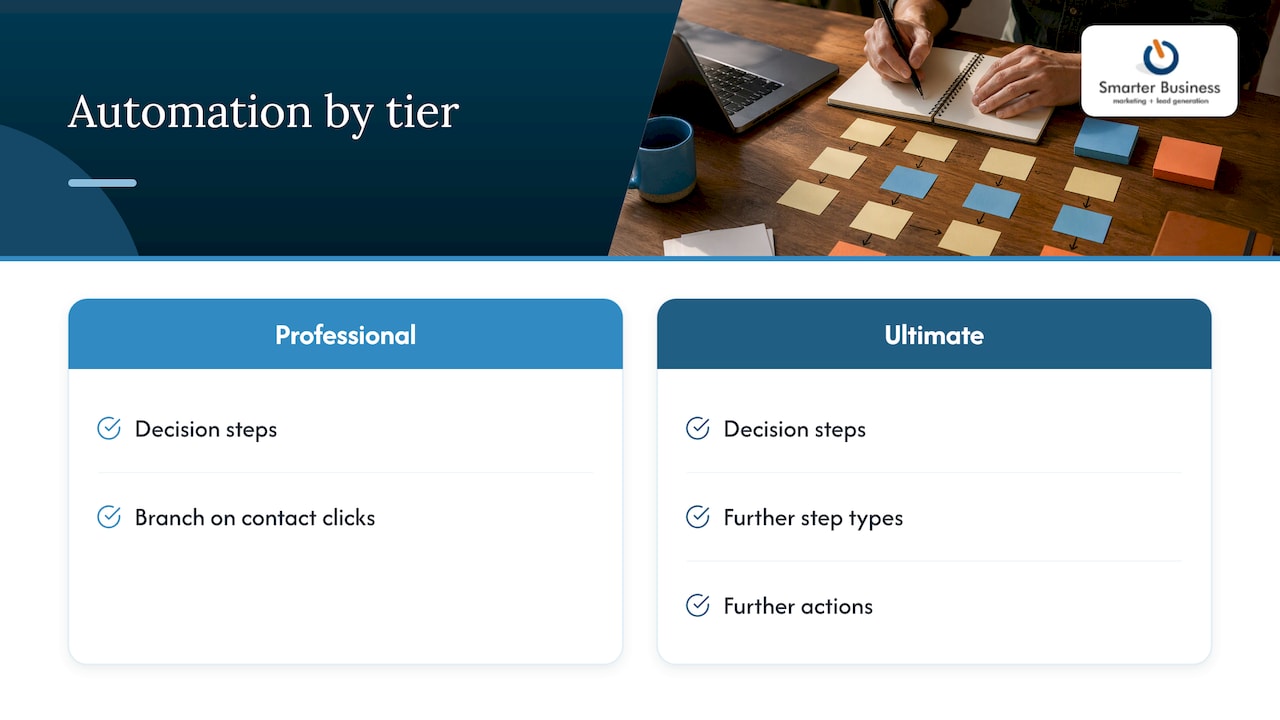
Act! Marketing Automation in Act! Cloud offers different levels of workflow design, landing page customisation and campaign dashboards depending on the tier. Professional and Ultimate add decision steps, and Ultimate adds further step types and actions.
In plain terms: if you want a nurture journey that branches depending on whether a contact clicked, you need a tier that supports decision steps. Our email marketing and automation overview shows how this fits together, and the lead nurturing guide walks through a practical example.
Forms, Surveys and Chat: Check Consent First
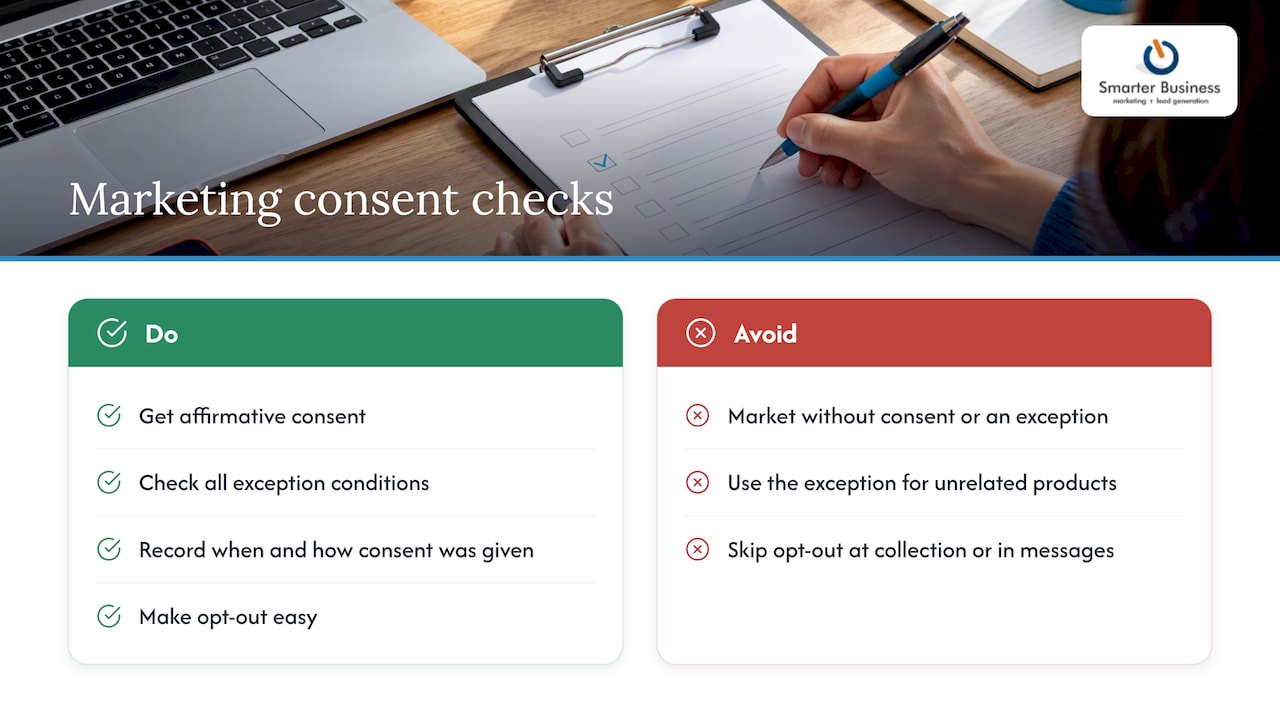
Connecting a web form, survey or chat app to your CRM is satisfying, like finally plugging in the dishwasher. But what flows in can end up in a marketing list, and in Ireland that has rules. The Data Protection Commission explains that electronic direct marketing must follow the ePrivacy Regulations (S.I. 336/2011) and GDPR, with affirmative consent unless the existing-customer exception applies.
That exception is narrow. It needs lawfully obtained details, your own similar products, a chance to opt out when the details are collected and in every message, and a first marketing message within 12 months of the sale.
So build a consent field into your forms, record when and how it was given, and make opt-out easy. Our post on consent management in CRM covers four controls worth putting in place. If you are unsure how the rules apply to your organisation, speak to a data protection professional or solicitor.
What Customisation Costs in Licences
Customising Act! starts with the right licence. Our published prices are:
| Plan | Price |
|---|---|
| Act! Advantage Standard | €30 per month per user |
| Act! Advantage Professional | €45 per month per user |
| Act! Advantage Ultimate | €60 per month per user |
| Act Premium Cloud | €30 per month |
| Act Premium Desktop | €37.50 per month |
| Act Premium Cloud with Desktop Sync | €39 per month |
| Custom Tables add-on | €9 per month per user |
Full details are on our Act! pricing page and the Premium pricing page. Consulting and customisation work is not published as a fixed price, so ask us for a quote.
Promo: Let Us Do the Tailoring
You can absolutely tinker yourself. But if you would rather spend your evenings on something other than field types and permission roles, we do this every day. Smarter Business is a certified Act! CRM consultancy, and we adjust the system to your workflows, terminology, reporting and permissions, then train your team to use it.

See our CRM customisation and training services, or get in touch through our website to talk through your setup.
Our Perspective
Most CRM projects stumble because someone bought the software first and asked how the business works second. We do it the other way round.
Since 2014 we have sat with Irish SMEs, local government bodies and NGOs, and the pattern repeats: the best systems copy the language and habits of the team using them. Customisation is not decoration. It is how a CRM stops being “another system” and starts being how the work gets done.
Our advice is to start small, name your fields the way your people talk, review permissions every few months, and let reports and dashboards drive what you add next. Do that, and Act! feels less like software and more like a good colleague who remembers everything.
Patrick Lennon
FAQ
Can I customise Act! CRM without a developer?
Yes, for most everyday needs. Administrators can add fields, adjust layouts, set up dropdown lists and configure permissions through the application itself. Deeper work, such as custom tables, integrations or database design, is where a consultant saves time and avoids mistakes.
When should I customise my layouts?
As early as possible. Act! recommends doing layout work when you first set up the database, so it matches your business data from the start. You can change layouts later, but doing it early avoids retraining your team.
Is it safe to edit an existing field?
Be careful. Changing attributes such as field type or size can lead to permanent data loss, so Act! advises creating a new field instead. Back up first, and ask other users to log out before field changes.
Do I need consent before emailing contacts captured by a web form?
In most cases, yes. Irish rules require affirmative consent for electronic direct marketing unless the narrow existing-customer exception applies. Record consent in the CRM and include an opt-out in every message.
Sources
- Act! how-to resources
- How do I Create and Edit Fields in Act! Cloud?
- How do I Change my Layout in Act! Cloud?
- Act! Premium Self-Guided Tour
- How do I Create an Opportunity in Act! Cloud?
- Security Roles in Act! Cloud
- Features available for each tier of Act! Marketing Automation
- Electronic Direct Marketing, Data Protection Commission