You have 0 items in your cart

If you are still running an older copy of Act!, the upgrade question is really three questions: which version are you on, which licence do you move to, and how do you get your data across without a nasty surprise? This guide answers all three, with the euro prices we publish and the steps Act! itself documents. Think of it as changing the engine while the car is still on the motorway, only with a backup and a plan.
TL;DR
- Act! v25 and earlier are unsupported: no updates, no security patches and no technical support, according to Act! UK.
- Act! Premium v26 is supported through 30 November 2026, so that is the next cliff edge for anyone on it.
- Cloud plans include automatic upgrades. Desktop means you decide when to upgrade, and you carry the work.
- Back up first, check your add-ons, and upgrade every shared, remote and offline user before anyone syncs.
- Our Irish prices run from €30 per user per month for Act! Advantage Standard.
Table of Contents
- Step One: Know Your Version
- Risky Relics: Why Waiting Costs More
- Licence Lingo: Cloud, Desktop and Everything Between
- Web or Desktop: Spot the Missing Pieces
- Pre-Flight Paperwork: Prepare Before You Convert
- The Upgrade Itself, Step by Step
- After the Switch: Testing That Nothing Wandered Off
- What You Get for Your Trouble
- Our Take on Upgrading
- Let Us Carry the Boxes
- FAQ
- Sources
Step One: Know Your Version
Before you touch anything, find out what you actually have. In Act!, the About screen tells you the version number. Write it down, along with your edition and how many people use the database.
Why it matters: Act! lists versions v24 to v28 on its what’s new by version page, and v28 of Premium Desktop was released on 23 October 2026. Where you sit on that ladder decides how big a jump you are making.
| Your version | Support position | What it means |
|---|---|---|
| v25 or earlier | Unsupported | No updates, security patches or technical support, and possible clashes with current Windows or SQL Server versions (Act! UK) |
| v26 | Supported through 30 November 2026 | Plan the move now, not in the last week (Act! obsolescence policy) |
| v27 and later | Current | Upgrade on your own schedule, or let the cloud do it |
Risky Relics: Why Waiting Costs More
An old CRM is a bit like a chocolate teapot: fine until you put something hot in it. Act! warns that users on v18.1 or earlier face a retired licensing component that can lead to permanent loss of access if the software is reinstalled or the hardware changes (Act! UK). The same page notes that running Act! on Windows 10 after Microsoft ended support on 14 October 2025 may raise the risk of security vulnerabilities, data loss or system errors.
That is the practical danger: it is not the old software that bites, it is the new laptop, the Windows change or the reinstall that finally exposes it. If your Act! system sits on ageing infrastructure, a wider look at legacy system modernisation can help you judge how much risk the surrounding stack carries.
Licence Lingo: Cloud, Desktop and Everything Between
Act! licensing is less scary than it sounds. There are two broad routes.
Cloud (subscription, upgrades included). Act! states that its cloud plans include support and automatic upgrades, plus nightly backups, on its euro pricing page. You never schedule an upgrade again, which is the whole appeal.
Desktop (self-managed). The same page describes desktop as self-deployed, with security and update control in your hands. That suits teams that need it on their own machines, as long as someone owns the upgrade calendar.
Here is what we charge in Ireland, as published on our site:
| Plan | Price | Where to read more |
|---|---|---|
| Act! Advantage Standard | €30 per month per user | Act! Advantage pricing |
| Act! Advantage Professional | €45 per month per user | Act! Advantage pricing |
| Act! Advantage Ultimate | €60 per month per user | Act! Advantage pricing |
| Act Premium Cloud | €30 per month | Premium pricing |
| Act Premium Desktop | €37.50 per month | Premium pricing |
| Act Premium Cloud with Desktop Sync | €39 per month | Premium pricing |
Prefer to pay once a year? The yearly Premium subscription is listed at €360 for Cloud and €450 for Desktop. Extras such as Custom Tables (€9 per month per user) and support upgrades (Premier Support €5, Ultimate Support €10, both per month per user) are on our add-on and plan page.
Web or Desktop: Spot the Missing Pieces
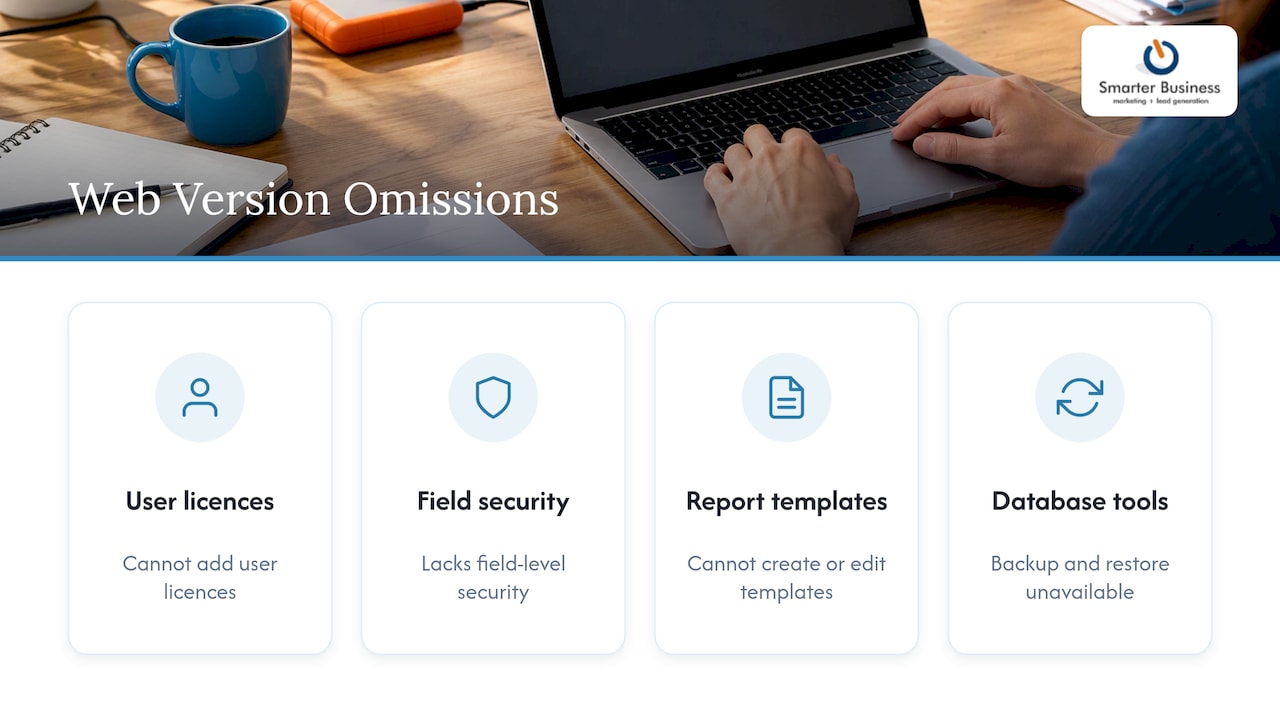
Before you jump to the web version, check what you would give up. Act! says Premium for Web v27 lacks several features found on desktop, including adding user licences, field-level security, creating or editing report templates, and database maintenance tools such as backup and restore (Act! Help Center). If your reports or permissions are heavily tailored, that list is worth reading line by line before you sign anything.
Pre-Flight Paperwork: Prepare Before You Convert
Upgrading is mostly preparation, with a short burst of clicking at the end. Act!’s own upgrade article for v27 points to the same checklist:
- Back up every database. Not “probably”. Every one.
- Check third-party plugins. Confirm each add-on works with the new version, or you will meet them again at the worst moment.
- Look at SQL requirements. Make sure your database engine suits the version you are installing.
- List your users. Shared, remote and offline users all need to be accounted for.
- Write down your customisations. Custom fields, layouts, reports and automations are what you will test afterwards.
It also helps to know your escape route. Reverting after a database upgrade means uninstalling the new version, reinstalling the old one and restoring the pre-upgrade backup. That is entirely doable, but only if the backup exists.
The Upgrade Itself, Step by Step
According to the same Act! article, the process runs like this:
- Install the new version of Act!.
- Open your database. This triggers the conversion.
- Check your Outlook email and synchronisation settings.
- Make sure every shared, remote and Offline Client user has upgraded before anyone synchronises.
Point four is where teams trip. Everyone in a shared database must be on the same version to keep access, and remote or offline users should not sync until every node has moved. One colleague on a holiday laptop who syncs early can cause a long afternoon for everybody else.
After the Switch: Testing That Nothing Wandered Off
Do not just check that the database opens. Run through the things your team does daily:
- Search for a handful of contacts you know well and compare their histories.
- Create a contact, log an activity and send an email from Outlook.
- Run the three reports your manager actually reads.
- Trigger each automation or workflow once.
- Sync a remote user, if you have any.
If anything looks odd, stop and compare before more data goes in. Fixing a problem on day one is a quick tidy-up. Fixing it a month later is archaeology.
What You Get for Your Trouble
Recent releases have brought the Act! Sidebar for Outlook, an AI writing assistant for marketing content, automated history syncing and stronger dashboard building, along with compatibility for newer operating systems such as Windows 11, as listed on Act!’s version history. None of that matters much if it does not fit how your team works, which is why we start with your process rather than the feature list.
Our Take on Upgrading
We have spent years helping Irish SMEs with their CRM, and the same pattern repeats. Upgrades rarely fail because of the software. They fail because nobody wrote down how the old system had been bent to fit the business: the odd field, the report only Siobhán understands, the macro someone built in 2017. Upgrade day is a perfect excuse to ask what you still need and what you were only keeping out of habit.
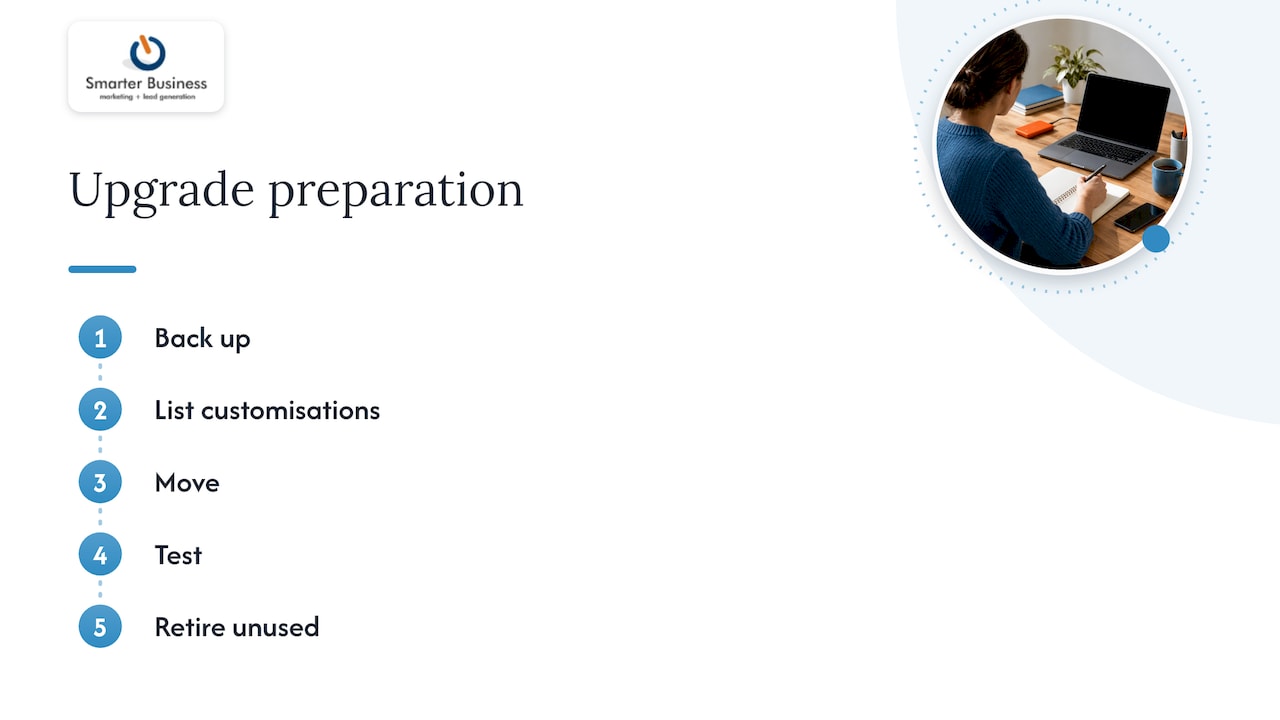
Our advice is to treat the upgrade as a small tidy-up project. Back up, list your customisations, move, test, and retire what nobody uses. For most small teams, moving to a cloud plan takes the upgrade treadmill out of the picture for good.
— Patrick Lennon
Let Us Carry the Boxes
We are a certified Act! consultancy, and we tailor the system to your workflows, terminology, reporting and permissions, so the upgraded version still feels like yours. We can check your version, price the right plan in euro and handle the move, with training for your team and ongoing support and advice afterwards.
Tell us what you are running today through our website and we will map out the path. If your team needs a refresher once you are on the new version, see our CRM training.
FAQ
Is it still safe to run Act! v25 or earlier?
Act! says these versions receive no updates, security patches or technical support, and may not work with current or future Windows or SQL Server versions. For a system holding customer data, that is a risk worth removing. Plan a move to a supported version or a cloud plan.
Do I lose my data when I upgrade?
Not if you prepare. Back up every database first, then open it in the new version to trigger conversion. If something goes wrong, you can reinstall the previous version and restore your backup.
Cloud or desktop: which should I choose?
Cloud plans include automatic upgrades and support, so you never manage versions yourself. Desktop gives you control of timing and deployment, but the upgrade work is yours. We can compare both against your team size and reporting needs.
Can everyone upgrade at different times?
No, not in a shared database. All users must be on the same Act! version, and remote or offline users should not synchronise until every node has upgraded.
Sources
- Act! UK: Important notice for unsupported versions
- Act!: What’s new by version
- Act!: Obsolescence policies
- Act!: Plans and pricing in euros
- Act! Help Center: Features not available in Act! Premium for Web v27
- Act! Help Center: How do I upgrade to Act! v27?
- NULLBIT: Legacy system modernisation